
A new laptop advertises an NPU and 'AI inside' in enormous letters. Does that make your everyday work faster, more private or worth replacing a perfectly good computer? Sometimes—but only when the software you actually use benefits from the hardware.
What you need to know
- Microsoft lists a 40+ TOPS NPU among Copilot+ PC hardware requirements, alongside minimum memory and storage specifications.
- CPU, GPU and NPU serve different workloads; a high NPU benchmark alone does not predict gaming performance.
- Cloud AI remains available on many conventional PCs; a local model may offer privacy or offline advantages only with appropriate software.
What an NPU does
A neural processing unit accelerates certain machine-learning calculations at relatively low power. It can support local image features, transcription, translation and other applications designed for it. The CPU still handles operating-system work, the GPU remains central to graphics and many AI jobs, and an NPU does not magically add RAM or storage.
Microsoft says Copilot+ PCs require capable 40+ TOPS NPUs, 16 GB RAM and 256 GB storage, with specific features tied to supported Windows builds and processors. Actual features vary by device, language, market and updates.
Local AI versus cloud AI
Cloud AI sends a request to an internet service that runs the model elsewhere. Local AI performs processing on your own machine, potentially reducing latency and data transfer. Yet local processing does not guarantee privacy by itself: apps can still connect to servers, store logs or sync data.
Before buying, read your app's policy, confirm it actually uses the NPU and test the tasks you care about. A cloud subscription and a powerful GPU may be better for some workloads than a specific NPU feature.
Who should upgrade—and who should wait?
You may benefit if you need battery-friendly local transcription, accessibility features or supported Windows AI tasks all day. You may not need a new PC if your current machine handles your browser, Office suite, remote work and preferred AI service without pain.
Gamers should judge GPU performance, cooling, screen and sustained power. Creators should check software acceleration and memory capacity. Business buyers should evaluate management, encryption, warranty and compatibility before purchasing a fleet for an AI label.
An honest purchase checklist
Ask the seller for the exact CPU/NPU model, Windows edition, RAM configuration, SSD upgradeability and supported AI features. Confirm whether critical programs support the device's instruction set, especially on Arm-based laptops. Test external docks and security or remote-management software if those are business requirements.
If the cost exceeds the value of the features you need, keep your current system. The most expensive technology mistake is buying a new platform to solve a problem you never had.
Sources, specifications & further reading
SJK wrote this article as independent editorial analysis or educational guidance, based on the following published materials. Specifications and prices can change; always verify the current vendor documentation before acting.
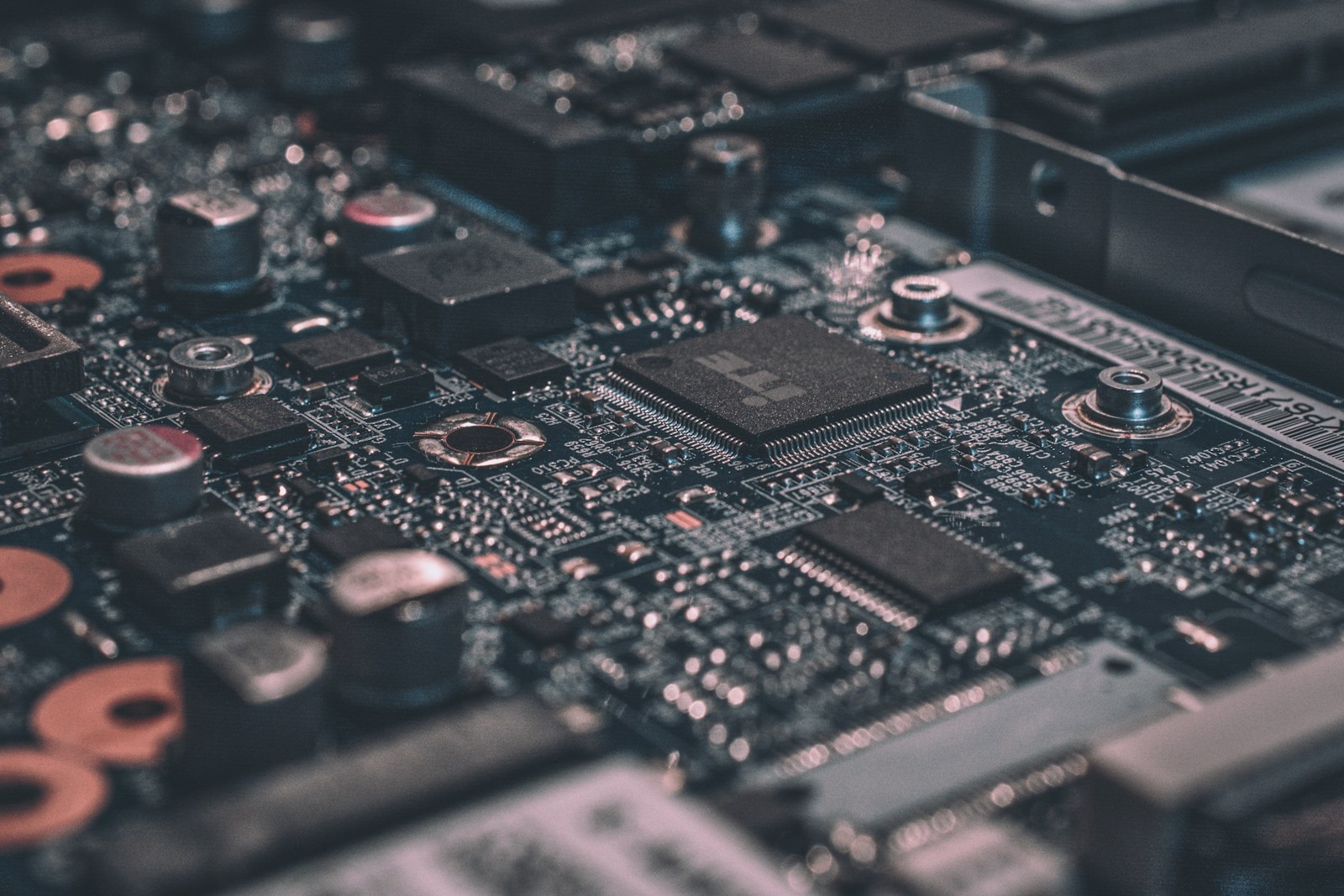
Cover photograph: Editorial photograph via Unsplash; illustrative image, not a photograph of the reported event.
Need a second set of eyes?
Guides are free and self-service. SJK offers remote support nationwide and on-site work in the Dallas–Fort Worth area, with scope and pricing confirmed before paid service.
REQUEST SJK SUPPORT ↗EXPLORE THE BUILD LAB ↗