
SJK BUILD LAB / PLANNINGGUIDE
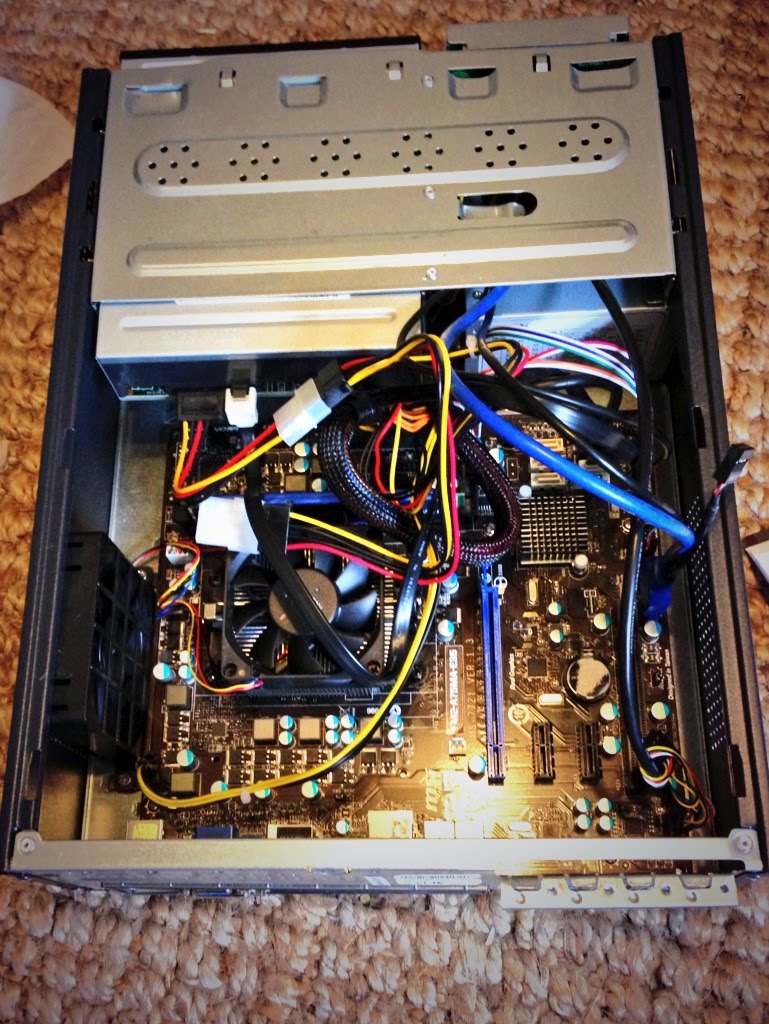
How to Use PCPartPicker in 2026 Without Buying Incompatible Parts
Build a balanced PC list, interpret warnings, check exact hardware revisions and shop smarter during the RAMpocalypse.
READ GUIDEFrom your first parts list to the first successful boot. Expert-informed, practical PC build and upgrade guides—with safety notes for the steps that actually matter.
INDEPENDENT EDUCATION / NO FAKE FIXES / NO GUARANTEED COMPATIBILITY
Begin with your parts list, then assemble, upgrade, test, and troubleshoot at your own pace. Always consult your hardware's exact manual.
Build a balanced PC list, interpret warnings, check exact hardware revisions and shop smarter during the RAMpocalypse.
READ GUIDE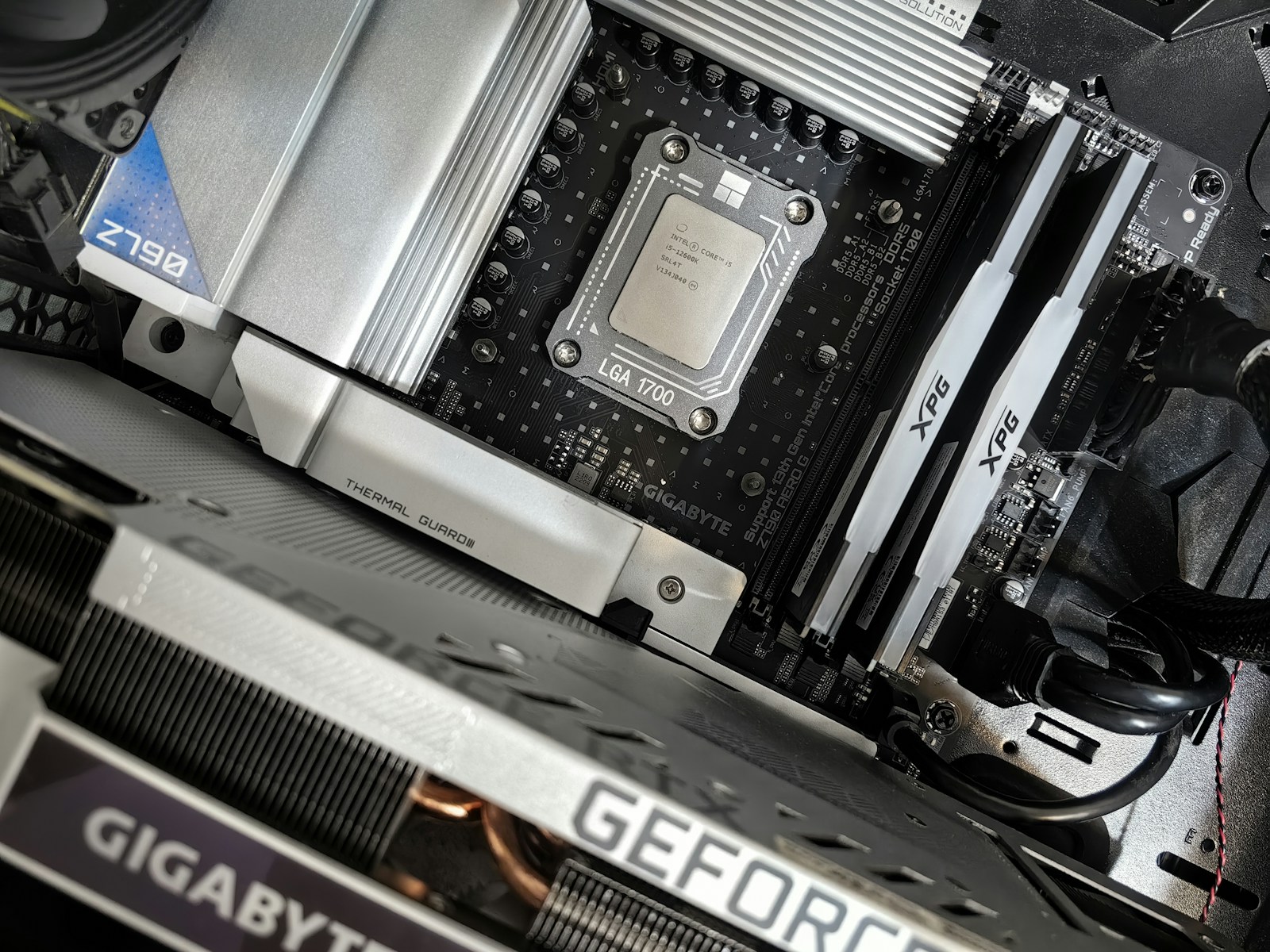
A practical, safety-first sequence for assembling the motherboard, CPU, RAM, storage, cooler, PSU and GPU—then reaching BIOS.
READ GUIDE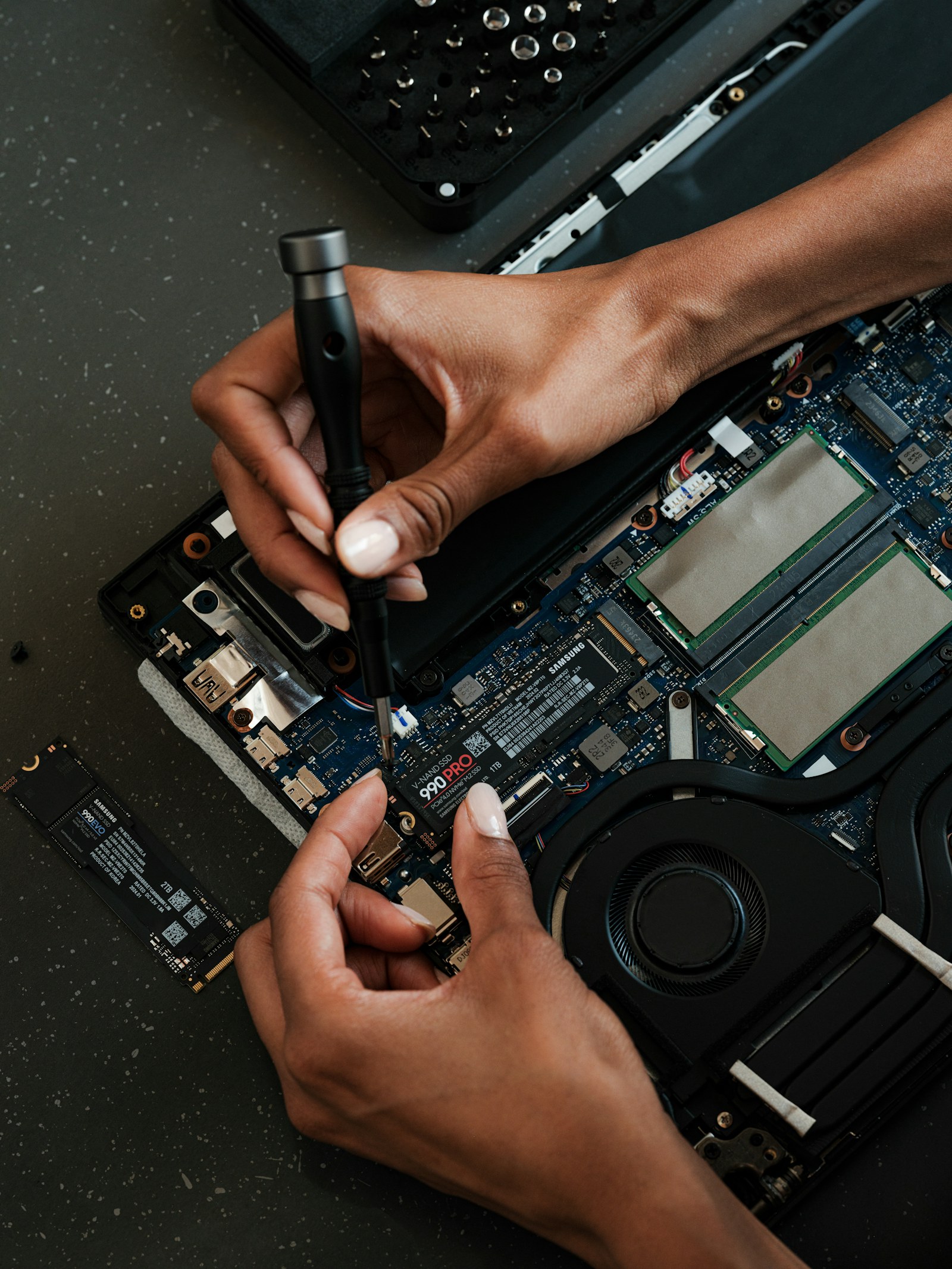
Identify M.2 SATA versus NVMe, check cloning and BitLocker, remove the old drive safely, and confirm the new one in BIOS.
READ GUIDE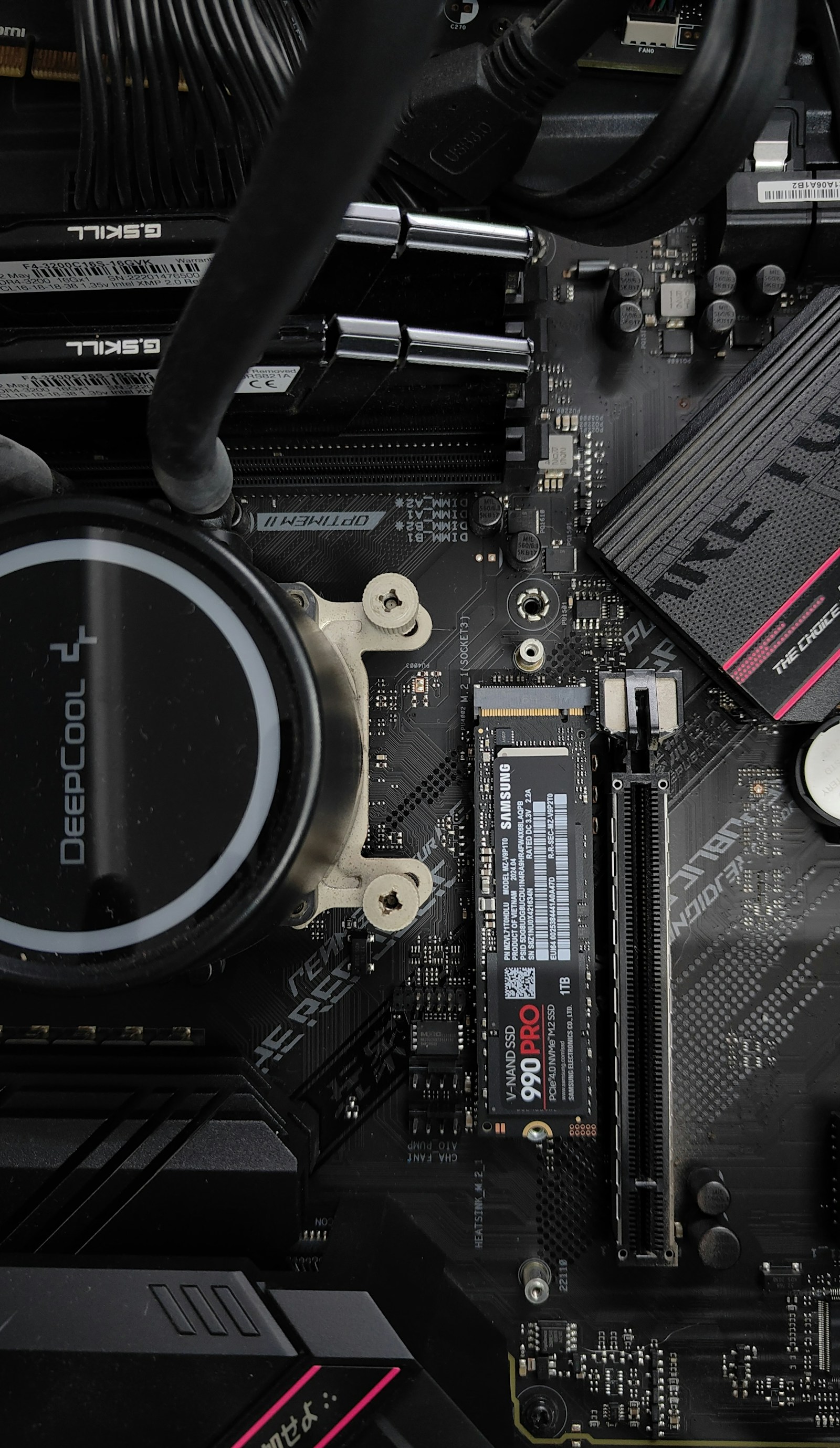
A motherboard-first framework for memory kits, CPU BIOS support, thermal limits and what to test after an upgrade.
READ GUIDE
Avoid torn PCIe slots, power-connector damage and no-signal problems when reseating or upgrading a desktop graphics card.
READ GUIDE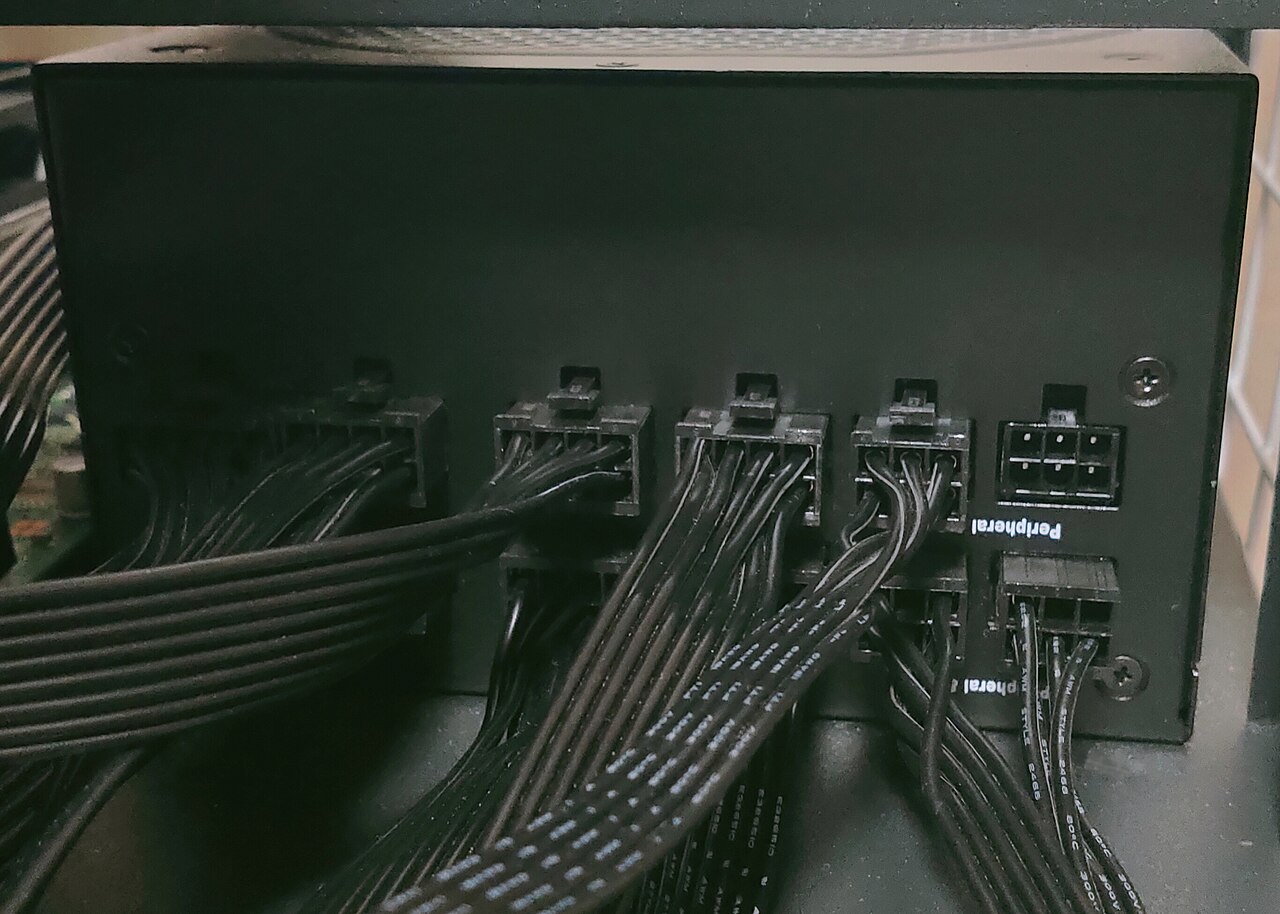
Safely replace an ATX power supply, choose the right wattage and connectors, and understand why old modular cables are dangerous.
READ GUIDE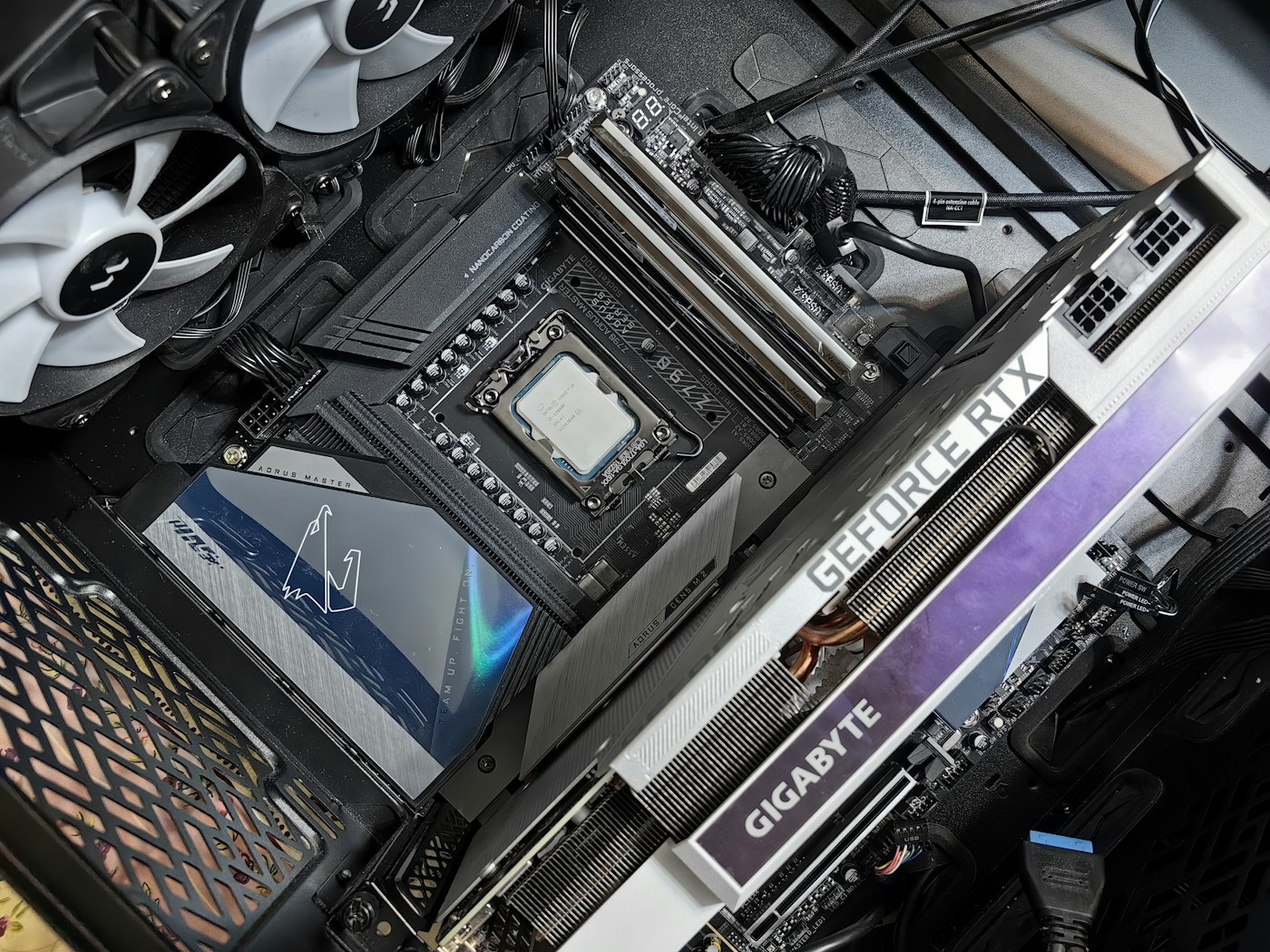
A printable 20-point PC build checklist covering CPU, RAM, SSD, GPU, PSU, fans, display, BIOS and storage safety.
READ GUIDE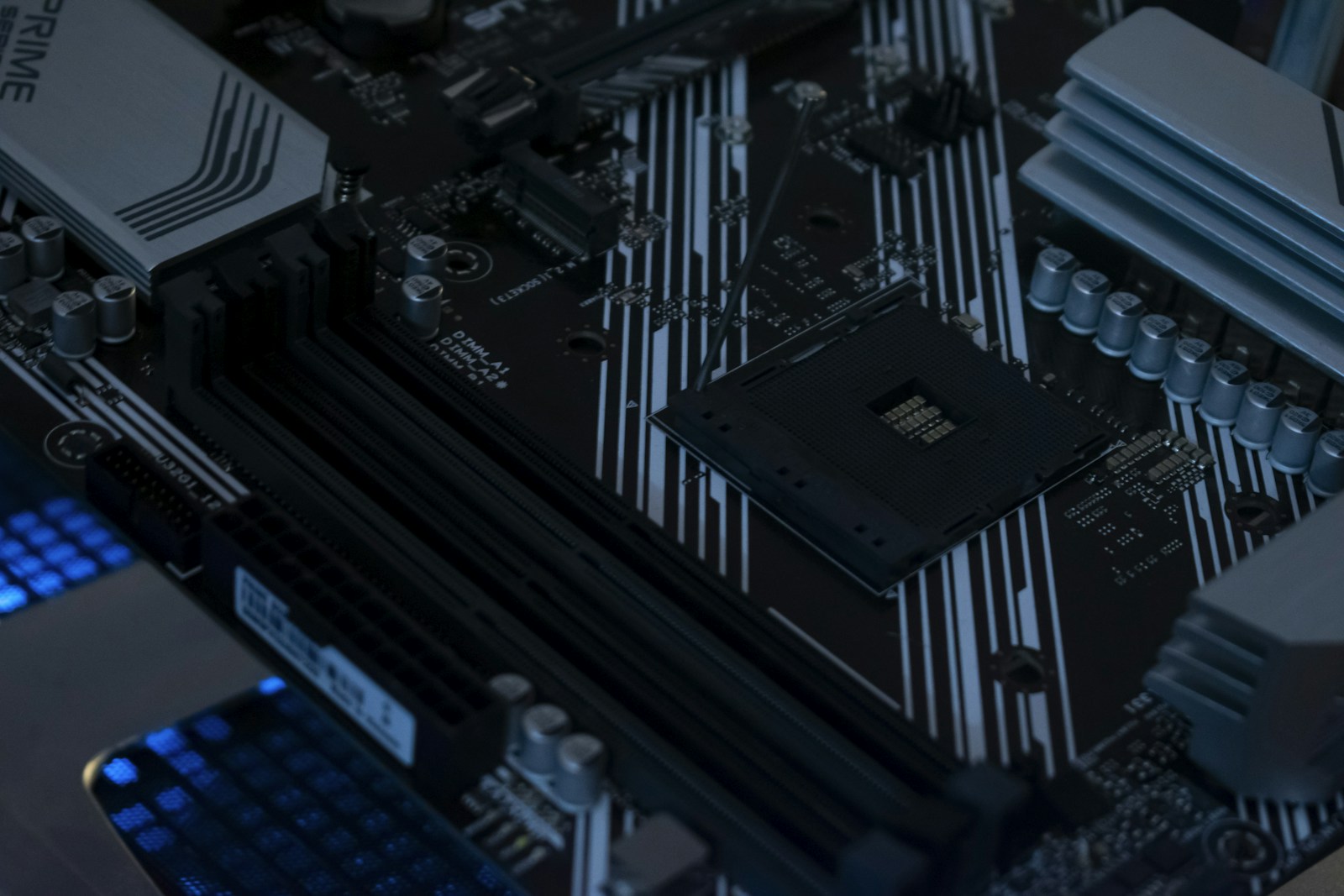
A controlled troubleshooting flow for new builds with black screens, memory-training delays and motherboard diagnostic lights.
READ GUIDE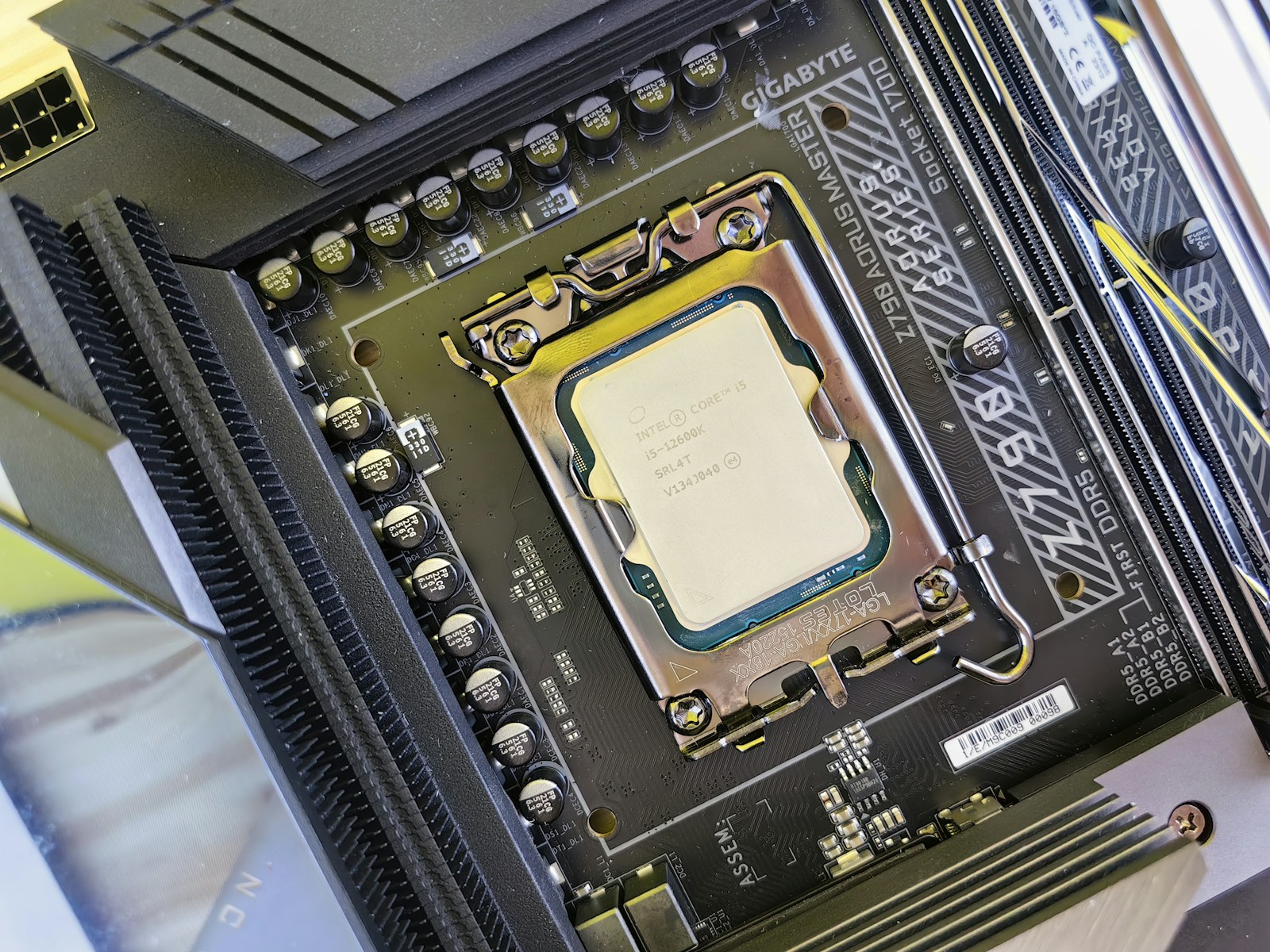
An evidence-led way to decide whether more RAM, a new SSD, GPU, CPU or cooling delivers the biggest practical improvement.
READ GUIDENo guide matched that term. Try “SSD,” “graphics,” “power,” or “BIOS.”
Our interactive, printable pre-flight checklist walks through seating, wiring, fans, display connections, POST indicators and protecting existing storage. It is a practical companion to any new build.
OPEN THE 20-POINT CHECKLIST ↗Always disconnect mains power before opening a desktop PC, never open a sealed PSU, and never reuse unknown modular cables. If a drive holds irreplaceable files or is encrypted, back up and confirm recovery keys first. An official device manual takes priority over a general guide.
REQUEST SJK HELP ↗