Computer memory is no longer the cheap line item many builders remember. AI infrastructure demand, memory-manufacturer product priorities and constrained PC supply have shifted the economics of RAM and storage in 2026. The nickname 'RAMpocalypse' may be dramatic, but shoppers have a real budgeting problem.
What you need to know
- TrendForce forecast conventional DRAM contract prices up 10–15% quarter-over-quarter in Q4 2026; contract markets are not the same as retail kit prices.
- DDR5, DDR4 and NAND/SSD prices do not move together every day. Shop the specific capacity and device you need.
- The cheapest way to survive a price spike is often to keep a working PC longer rather than buying an entirely new platform.
Why memory prices changed
TrendForce reported that DRAM suppliers were prioritizing higher-performance server products and planning less PC DRAM output next year. On November 4 it also described the growing importance of long-term purchasing contracts and tight supply. Those dynamics limit inexpensive consumer capacity.
Remember that a retail 32 GB kit, a chip maker's contract quote and a daily DDR5 spot index are three different measures. A dramatic number from one market does not translate directly to the price of every kit in every store. Check actual listings and the final basket total before buying.
1–4: Buy the memory you actually need
- Measure real usage first. Check memory pressure in Task Manager during your actual work before paying for 32, 64 or 128 GB.
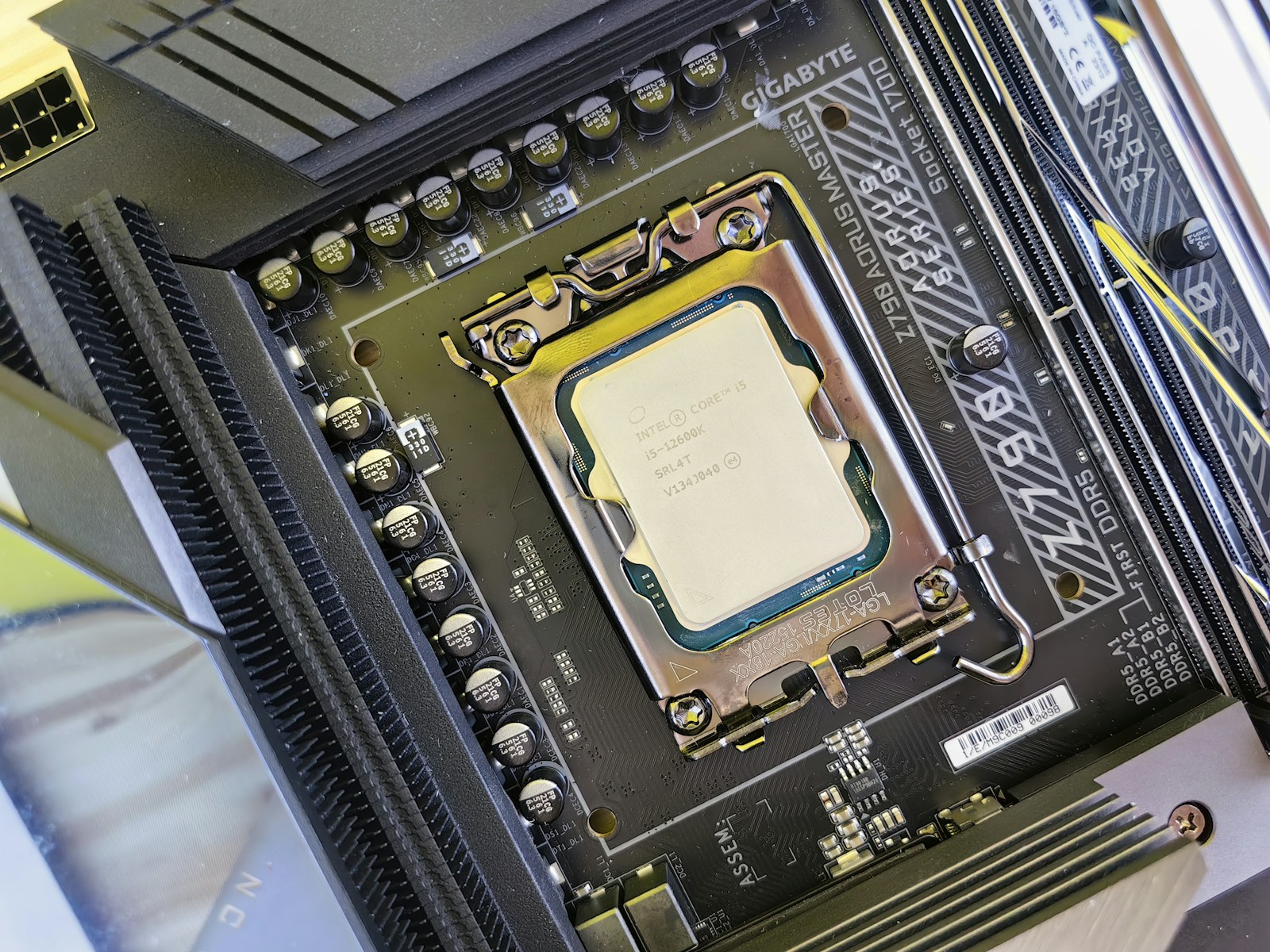
- Confirm the DDR generation. Consult your motherboard’s specifications for DDR4 versus DDR5, slots and supported capacity.
- Favor a validated matching kit. Mixing modules can reduce stability or force slower timings; check the manufacturer’s memory list when possible.
- Skip speed premiums without a workload benefit. Stability and useful capacity matter more than the highest advertised EXPO or XMP number.
5–8: Protect the rest of your budget
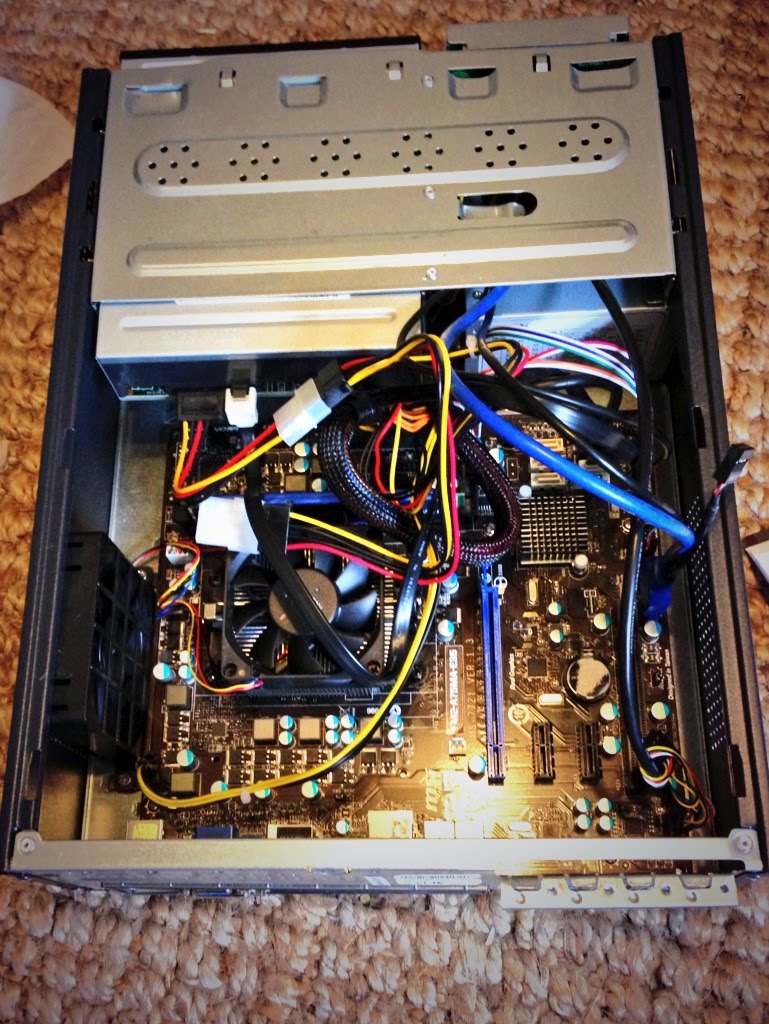
- Upgrade the actual bottleneck. A targeted RAM or drive upgrade can extend a capable PC’s life without changing its entire platform.
- Compare SSD value, not just discounts. Check cost per usable GB, warranty, drive endurance and the correct NVMe or SATA interface.
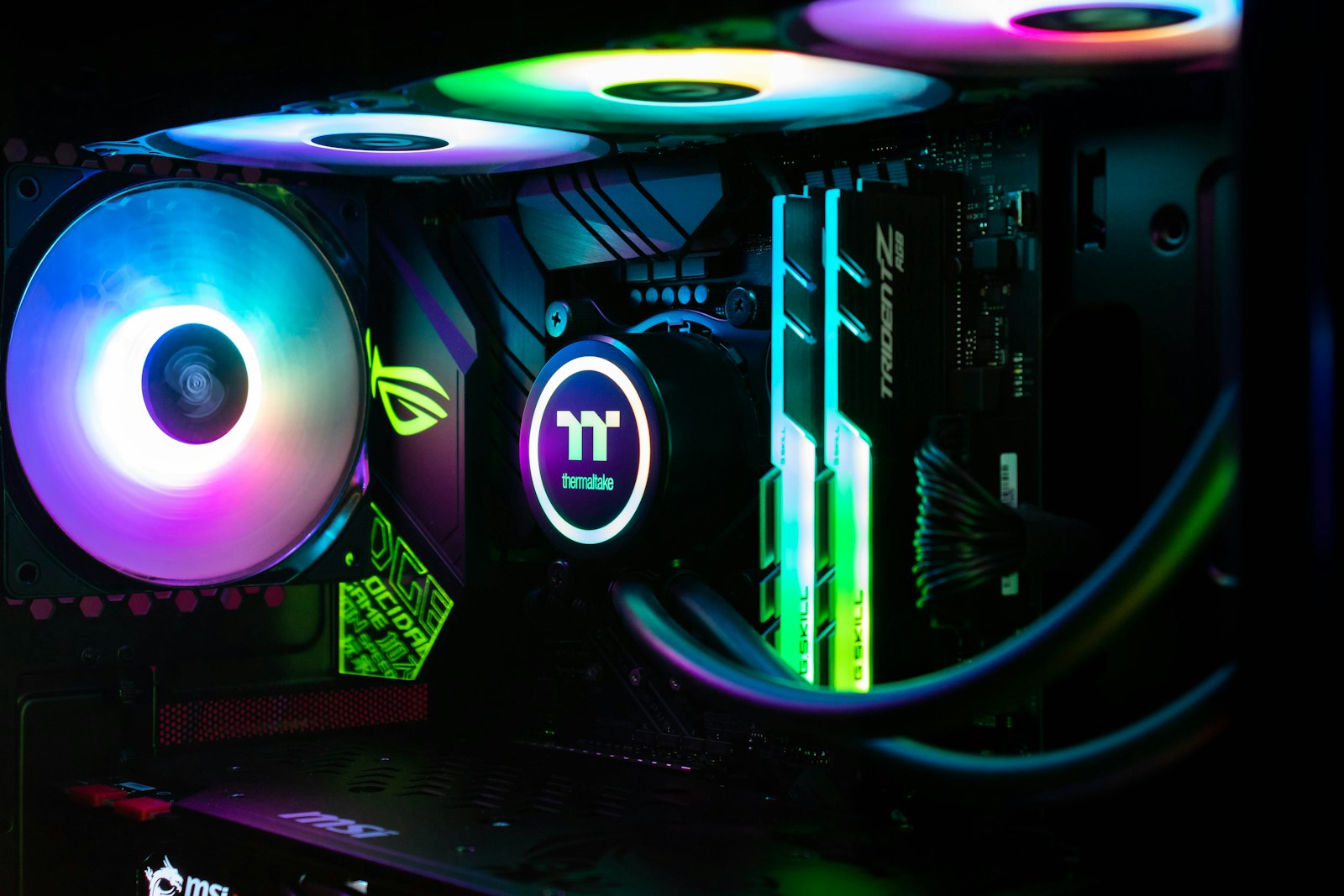
- Reuse good parts safely. An existing GPU, case, cooler or fans may be reusable if dimensions, power and mounting requirements are verified.
- Calculate a fully warranted prebuilt alternative. Manufacturer bundles can cost less than a fresh parts list; compare exact parts, warranty and upgrade restrictions.
9–12: Buy strategically, not emotionally
- Track exact SKUs. A contract-price forecast does not establish the store price for your particular kit or SSD.
- Compare complete checkout totals. Include tax, delivery, returns and warranty support rather than selecting by the product-page number alone.
- Vet used parts carefully. Used GPUs and memory should be testable; avoid unknown-history storage if drive health cannot be verified.
- Set a price ceiling and wait when possible. An expensive upgrade makes little sense if the existing PC still meets your needs.
Build a compatible short list with our PCPartPicker guide, then confirm inventory and final prices with the retailer.
Where SJK would not cut corners
Do not buy an undersized or questionable PSU, disable security protections to make parts work, ignore overheating, or risk your only copy of important files just to save money. A reliable backup, a quality power supply and verified motherboard compatibility can prevent a very expensive mistake.
There is no guaranteed date when prices will normalize. Market forecasts can change. Use TrendForce's current updates as context and current store pages for purchasing decisions, not fixed prices embedded in an old article.
Sources, specifications & further reading
SJK wrote this article as independent editorial analysis or educational guidance, based on the following published materials. Specifications and prices can change; always verify the current vendor documentation before acting.
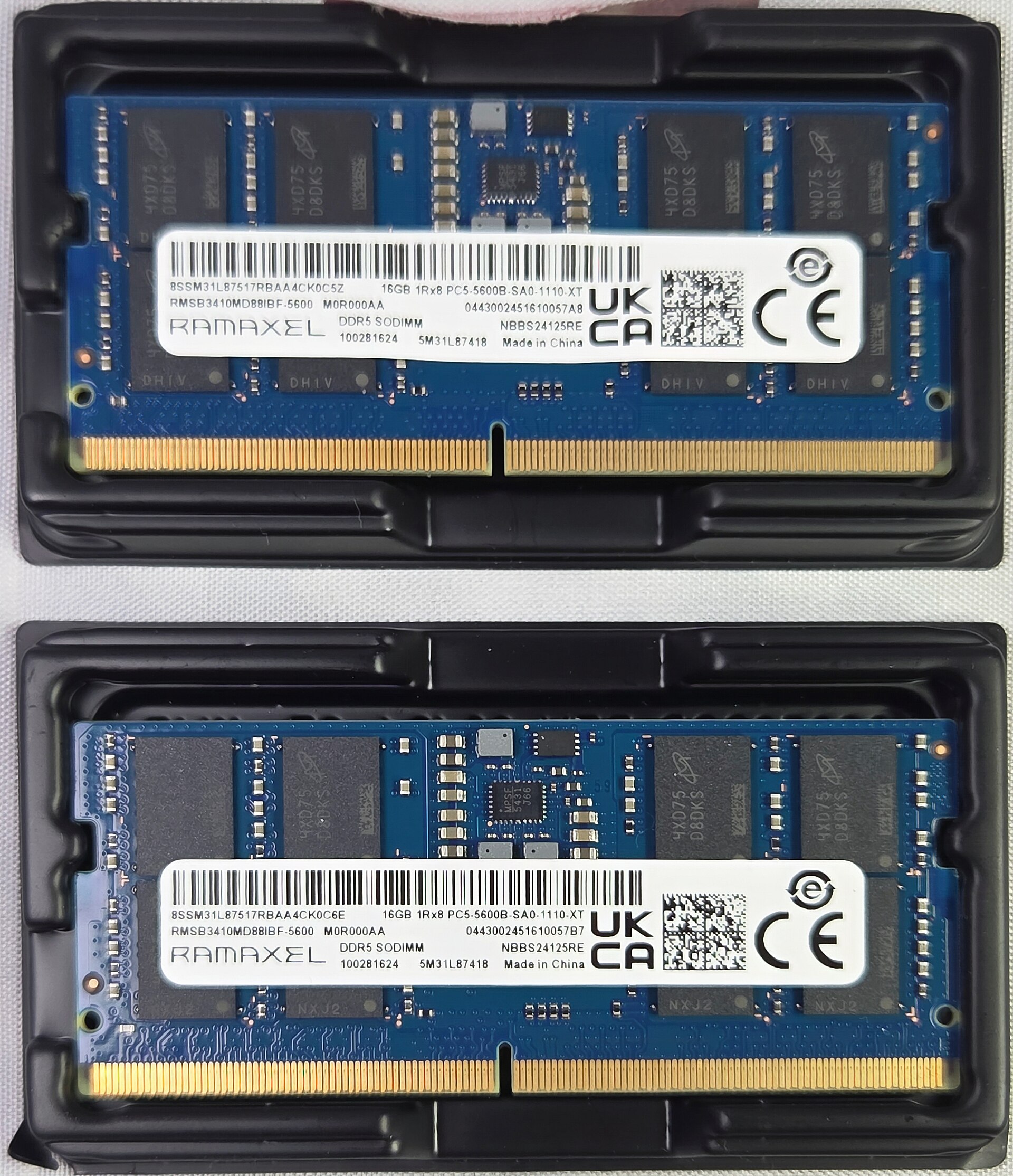
Cover photograph: Photograph: ITEagle Europe / Sebastiaan Broekhoven, Wikimedia Commons (CC BY-SA 4.0). Actual DDR5 laptop module, not a desktop DIMM or a price quote. CC BY-SA 4.0 license.
Need a second set of eyes?
Guides are free and self-service. SJK offers remote support nationwide and on-site work in the Dallas–Fort Worth area, with scope and pricing confirmed before paid service.
REQUEST SJK SUPPORT ↗EXPLORE THE BUILD LAB ↗