For years, PC enthusiasts treated a do-it-yourself build as the obvious value choice. In late 2026, expensive DRAM and SSDs have complicated that equation. A prebuilt maker may have purchased components under older contracts; a home builder can choose every part and avoid proprietary compromises. Neither wins automatically.
What you need to know
- Compare the exact CPU, GPU, memory, storage, motherboard, PSU and Windows license—not marketing labels.
- Include warranty, shipping, tax, expected support and your own assembly time.
- Check the ability to replace the PSU, motherboard and GPU later; some compact or proprietary prebuilts limit upgrades.
Calculate the complete total
Start with a parts list on PCPartPicker and add the operating-system license, peripherals you actually need, thermal paste if required, tools, shipping and sales tax. Then price a truly comparable prebuilt by exact component models.
A computer advertised as '32 GB RTX gaming' may conceal single-channel RAM, a lower-performing GPU variant, an inexpensive unknown-brand PSU or a motherboard with limited future support. Ask for model numbers, not adjectives.
When building still makes sense
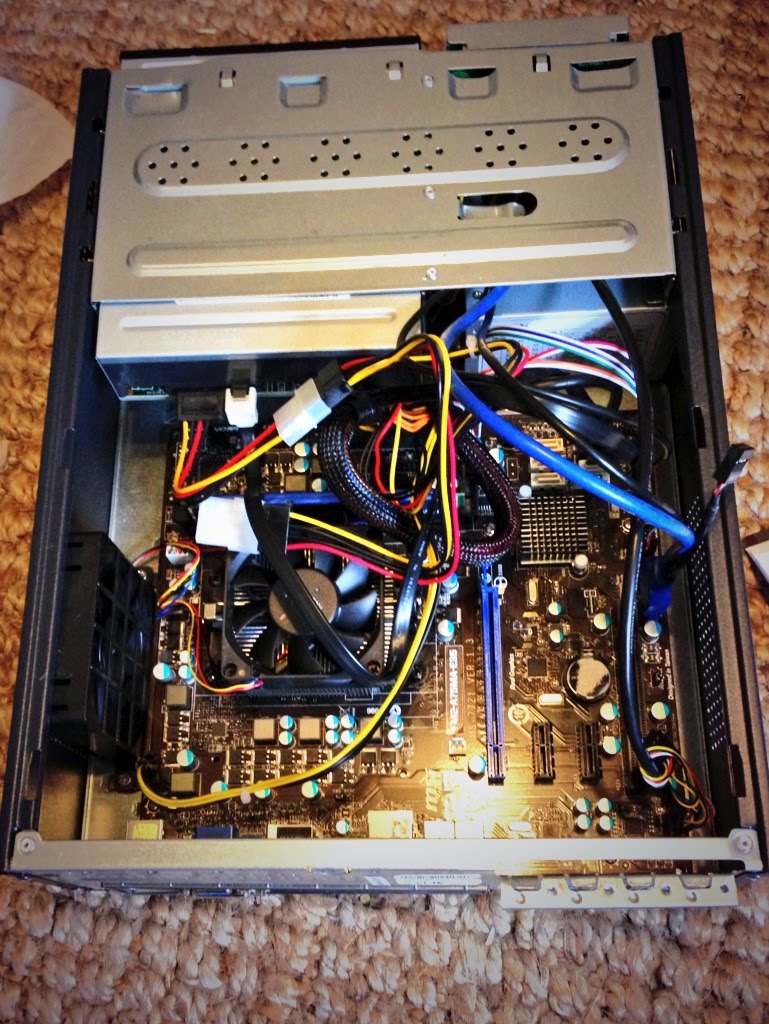
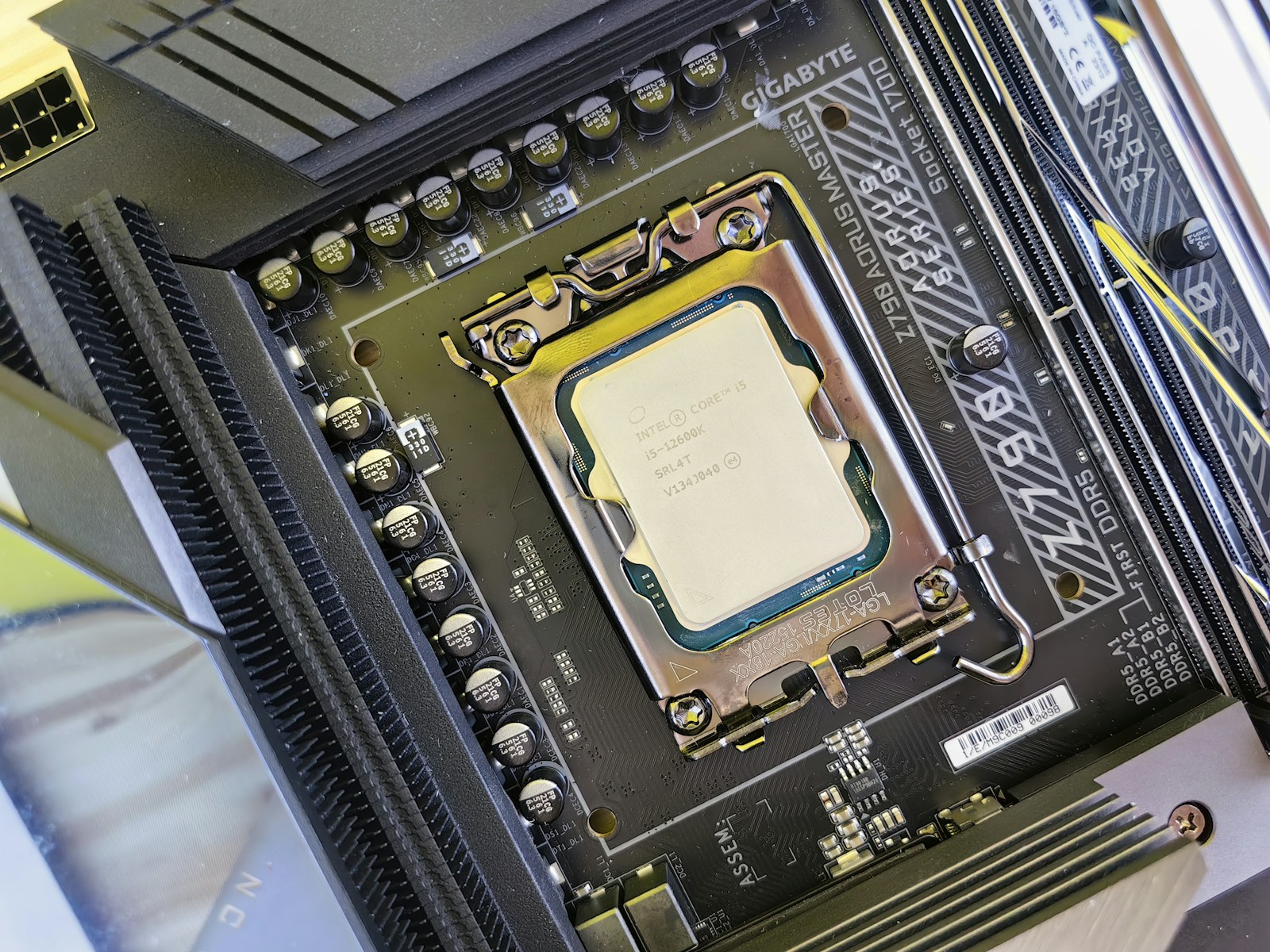
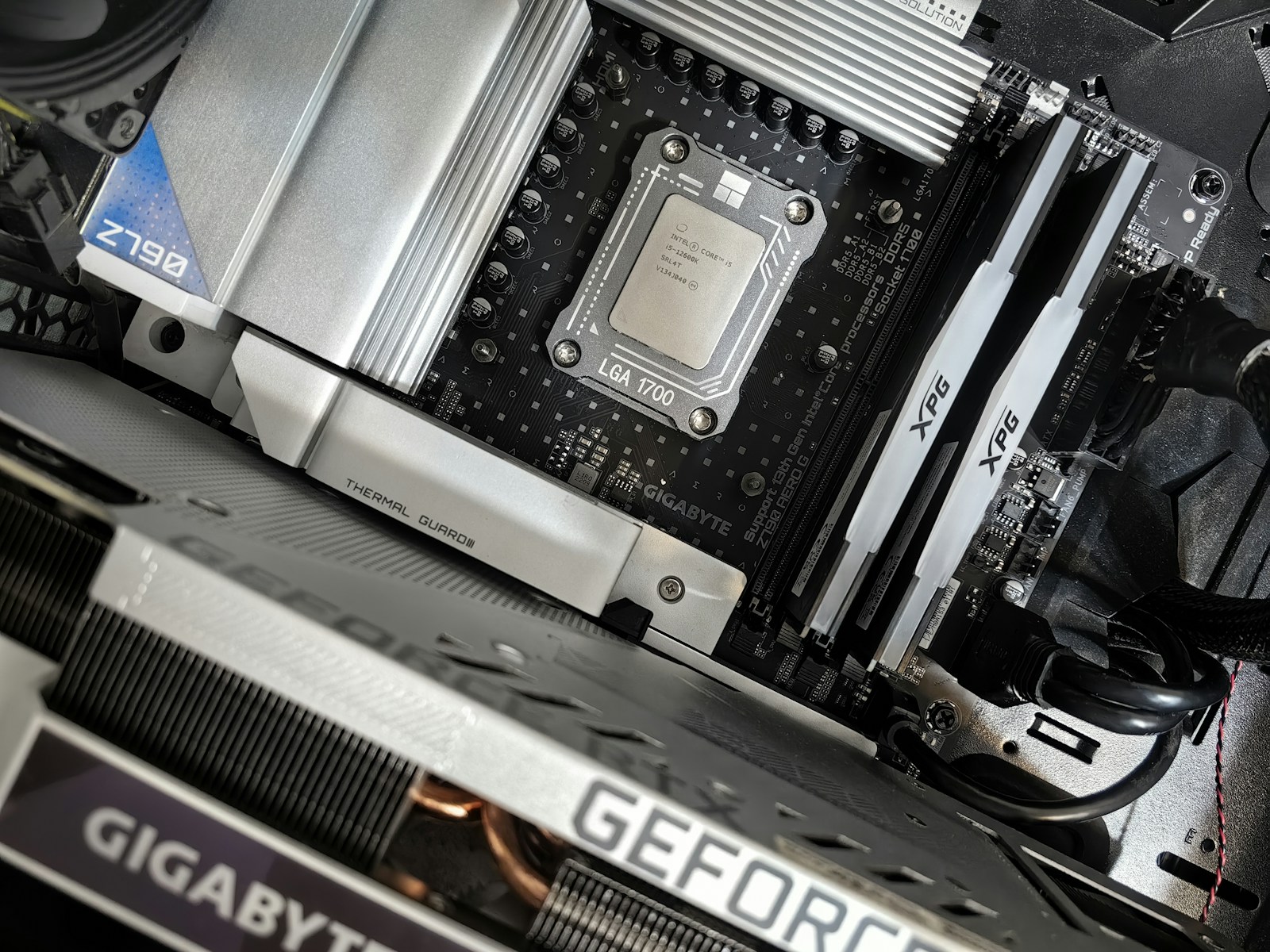
A DIY PC gives you control over case airflow, acoustics, storage layout and component quality. It may be easier to repair later, especially if it uses standard ATX or micro-ATX parts and documented cables. Builders also learn the machine intimately.
But you assume assembly labor and the early troubleshooting process. A defective component may require several separate returns rather than one system warranty. Plan for that cost and keep all packaging during testing.
When a prebuilt is the better deal
A reputable prebuilt can provide assembly, burn-in testing and a single support contact. During volatile memory pricing, bundled systems can occasionally undercut the standalone cost of their parts. That advantage depends on current promotions and vendor inventory.
Check cooler quality, dual-channel RAM, drive configuration, available PCIe slots, standard power connectors and whether BIOS updates are accessible. Read the return policy before accepting an apparent bargain.
SJK buying verdict
The smarter purchase is the platform that meets your real workload, fits your future upgrade path and costs less after all expenses—not the one that makes the prettier spec sheet. If your current machine runs your games and work comfortably, the best 2026 value may be to maintain it.
For a ground-up build, follow the SJK PC build guide. For a strict budget, see our RAMpocalypse survival strategies.
Sources, specifications & further reading
SJK wrote this article as independent editorial analysis or educational guidance, based on the following published materials. Specifications and prices can change; always verify the current vendor documentation before acting.
Cover photograph: Editorial photograph via Unsplash; illustrative image, not a photograph of the reported event.
Need a second set of eyes?
Guides are free and self-service. SJK offers remote support nationwide and on-site work in the Dallas–Fort Worth area, with scope and pricing confirmed before paid service.
REQUEST SJK SUPPORT ↗EXPLORE THE BUILD LAB ↗