
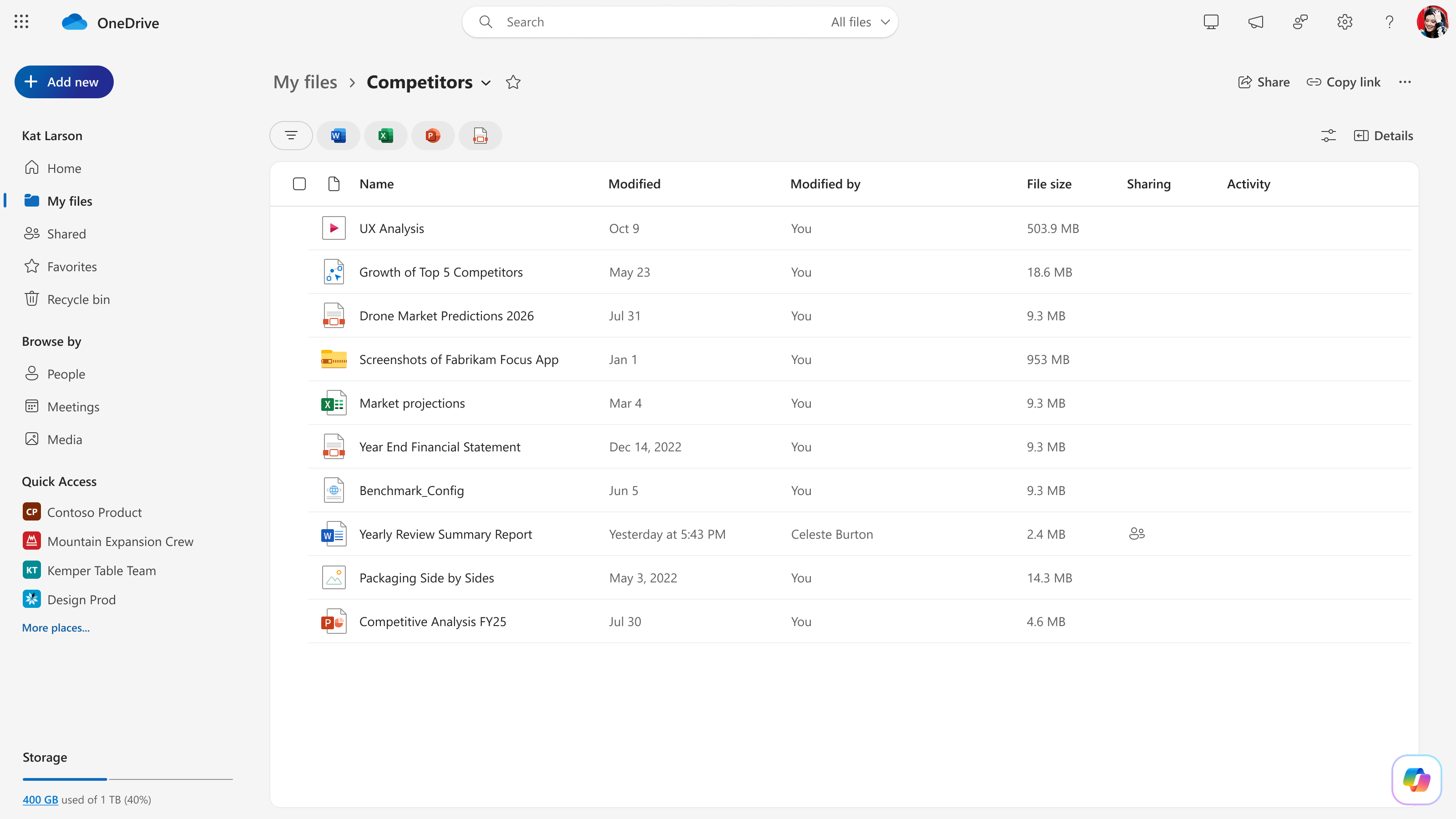
If Microsoft 365 email is down, does that mean Word documents, SharePoint libraries or OneDrive files have disappeared? No. The service incident has different effects across products, and access problems do not automatically equal data loss.
Files stored directly in SharePoint Online remain accessible, according to Microsoft's November 13 incident scope. Some external-sharing workflows and features that depend on Exchange Online may be affected.
SharePoint Online: stored files versus connected features
Microsoft's incident description distinguishes access to stored SharePoint files from features that depend on email services. The former remains functional; some people may have difficulty sharing documents with users outside their organizations when external sharing is enabled. Email-dependent workflows can also fail.
Microsoft 365 apps: recent-file lists may not load
Microsoft reported that users may be unable to view recently used files in Microsoft 365 apps. A missing item in a recent-files list is not proof the file was deleted. Where access is available, check the document's original SharePoint library or authorized OneDrive location directly.
What about OneDrive?
OneDrive for Business is built on SharePoint storage, but Microsoft did not establish in this incident advisory that every OneDrive synchronization scenario was unaffected. Do not assume all desktop sync operations are healthy, and do not start deleting local or cloud copies to force a resync.
For important work, open a file from its verified original location if possible, avoid conflicting edits across devices, and confirm successful saving before shutting down. Keep your local copies and version history intact.
Other Microsoft 365 functions with reported impact
- Microsoft Teams: Core chat and meeting participation may work while Exchange-dependent calendar scheduling or invites fail.
- Microsoft Copilot: Some experiences may be unavailable or unable to retrieve work data such as email, calendars and files.
- Microsoft Graph: Apps that rely on Exchange email, calendar or contact APIs may time out.
- Microsoft Defender for Office 365: Some Safe Links, quarantine and investigation functions may be disrupted.
Recommended business continuity steps
Keep a secure inventory of pending communications, use an alternate approved way to contact customers, and refrain from moving or deleting cloud files based solely on a failed recent-files view. When Microsoft confirms restoration, test email delivery and any affected workflows separately. Check the official dashboard to see whether your specific service is still affected.
Need a strategy for working through another cloud incident? SJK's small-business IT services cover practical continuity planning.
This is a dated SJK editorial report, not an automatically updated Microsoft status feed. Microsoft retains authority over incident status and restoration.
Microsoft 365 Service Health · Microsoft service incident extracts (University of Pennsylvania). Incident IDs: EX1550543 and MO1550821.