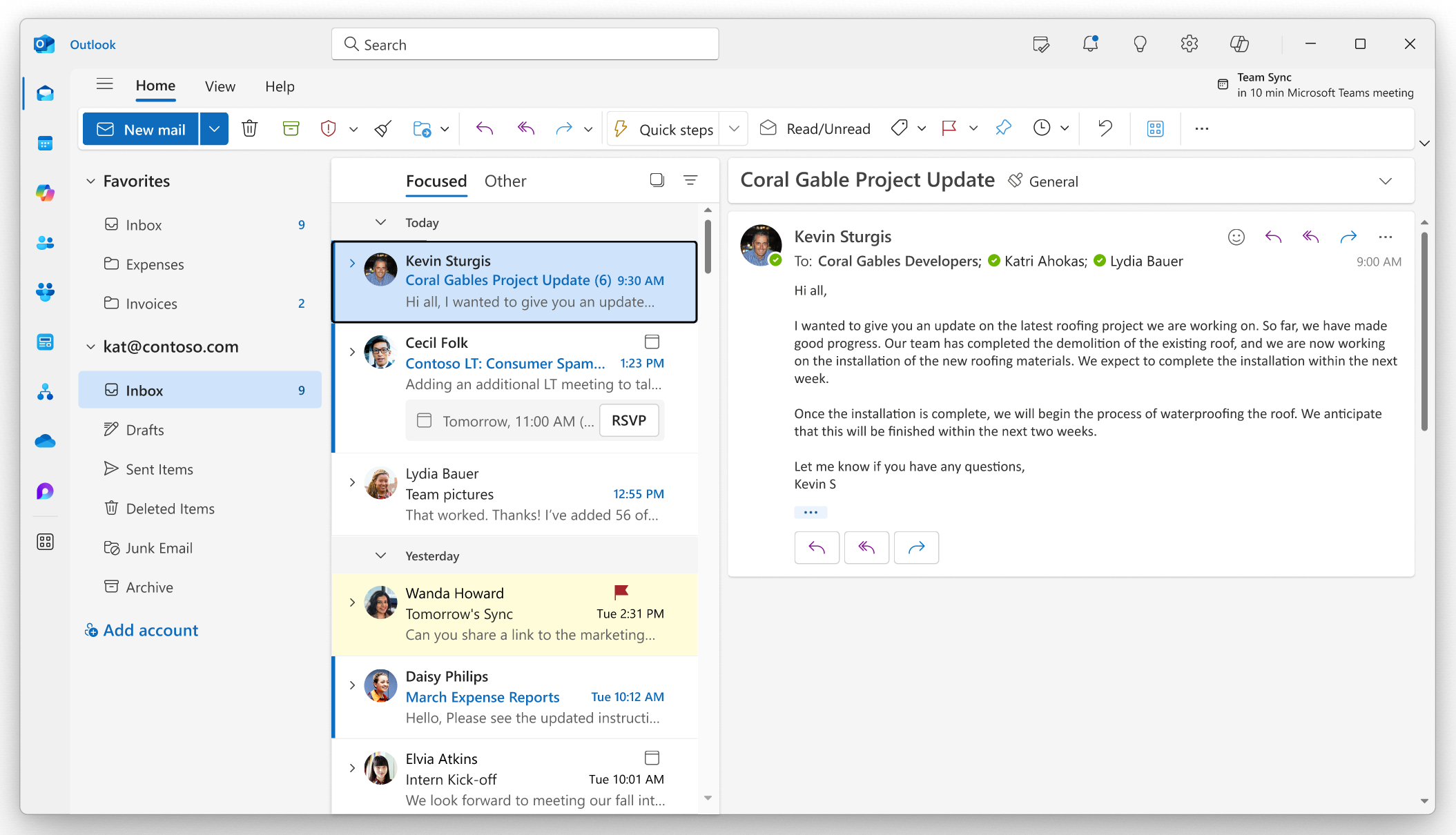
An Outlook mailbox might reconnect before every delayed message appears. Once Microsoft declares an incident resolved, a short, careful verification process is safer than immediately reinstalling everything.
Microsoft's November 12–13, 2026 service incident was still active when this guide was published. Do not interpret these steps as confirmation that the incident has ended.
First confirm that the service is restored
- Check Microsoft's official status page and, for Microsoft 365 business accounts, the service-health report in the admin center.
- Confirm that the incident affecting your service or tenant has been resolved, not merely that engineers are seeing improvement.
- Allow Outlook several minutes to reconnect and synchronize. Avoid interrupting the client repeatedly.
Then test mail flow in both directions
- Open Outlook on the web or your normal Outlook client, whichever is available for the account.
- Send a harmless test message to an independently accessible mailbox. Confirm actual delivery, not only that the message moved into Sent Items.
- Reply from the receiving mailbox and check that it arrives. Examine Outbox, Drafts and recent sync status for messages still pending.
- Where relevant, review Teams calendar invites and important Microsoft 365 integrations that rely on Exchange.
If only one computer remains affected
Compare another authorized client to separate a local problem from ongoing service impact. Check whether the device has reliable internet access and whether the Outlook sign-in uses the intended account. Avoid deleting mail profiles or local data as a first step.
If a warning specifically mentions authentication, licensing, a disconnected profile or a corrupted data file after the service is officially healthy, gather the exact error text and ask a technician to review it. A diagnosis should determine whether a repair is appropriate before any destructive steps.
How SJK can help
SJK provides remote-first Outlook and Microsoft 365 troubleshooting for eligible personal and small-business devices. We can evaluate account connectivity, desktop-client problems, mail-flow behavior and recovery options. We cannot accelerate a Microsoft-controlled incident or guarantee a Microsoft restoration time.
Start with our free Outlook and Microsoft 365 guide, or request SJK assistance for a persistent issue.
This is a dated SJK editorial report, not an automatically updated Microsoft status feed. Microsoft retains authority over incident status and restoration.
Microsoft 365 Service Health · Microsoft service incident extracts (University of Pennsylvania). Incident IDs: EX1550543 and MO1550821.